
The Snow Ridge
Anne Morel · 2021 · Book
Available
Loupe Map
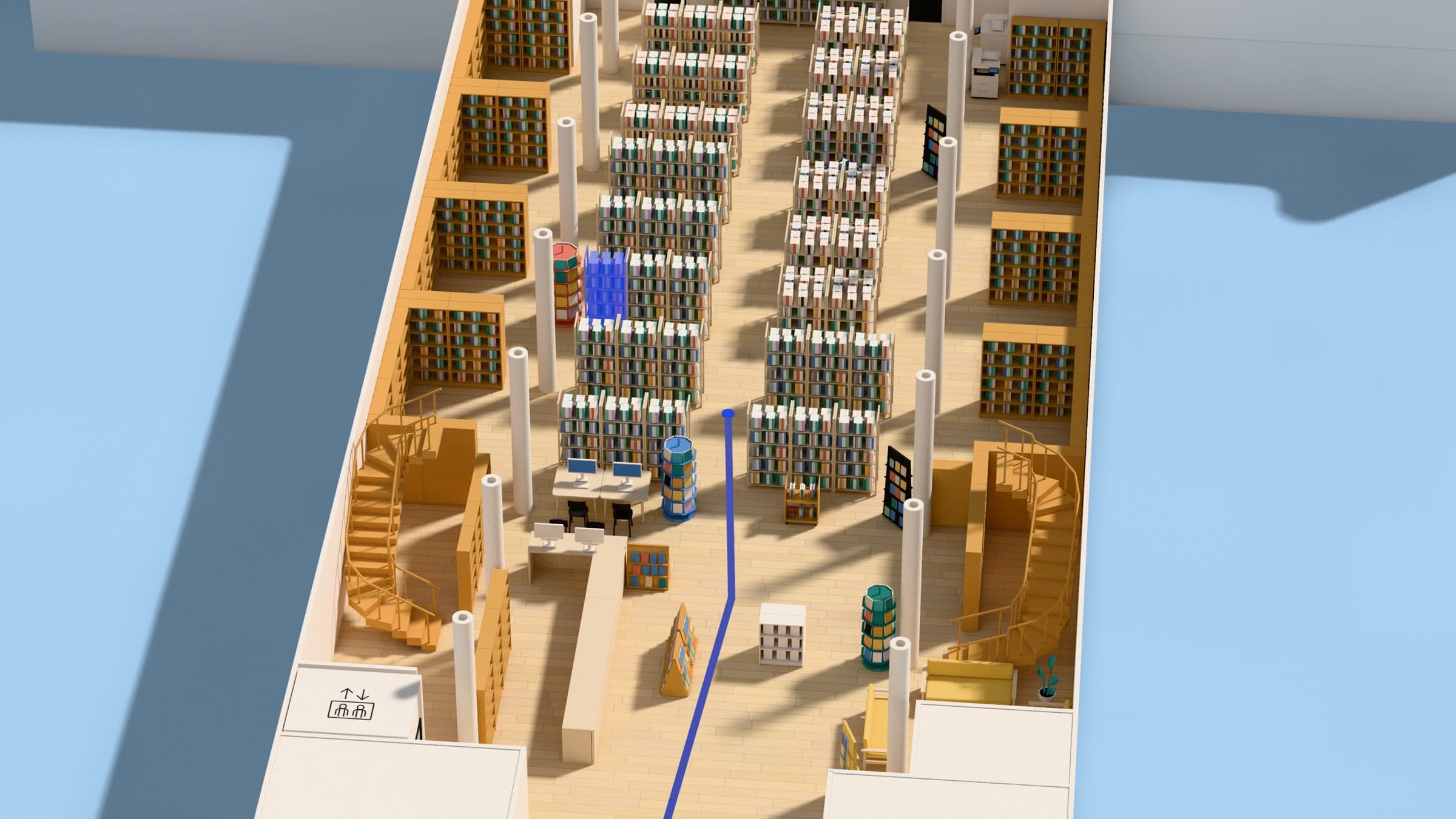
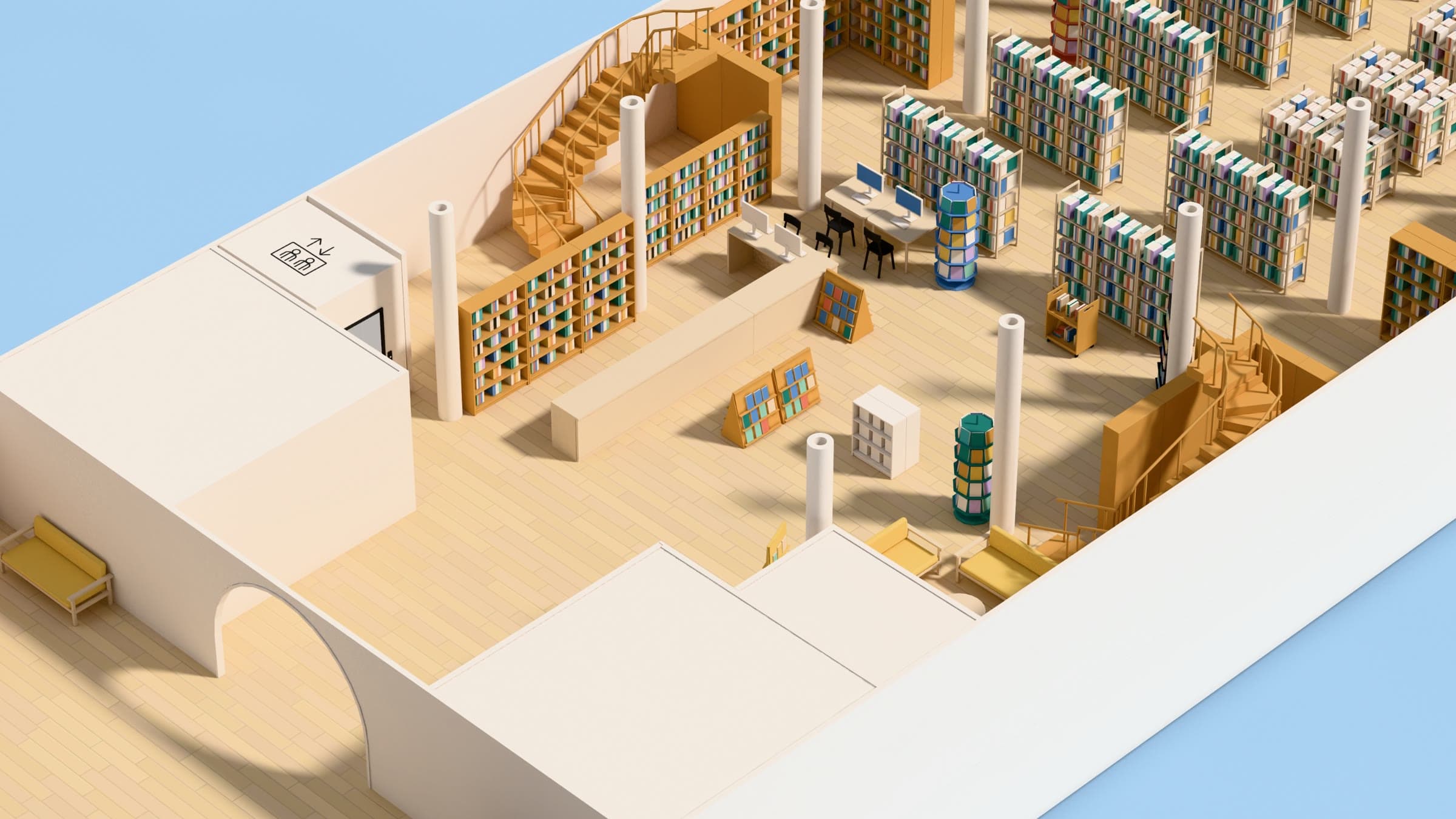
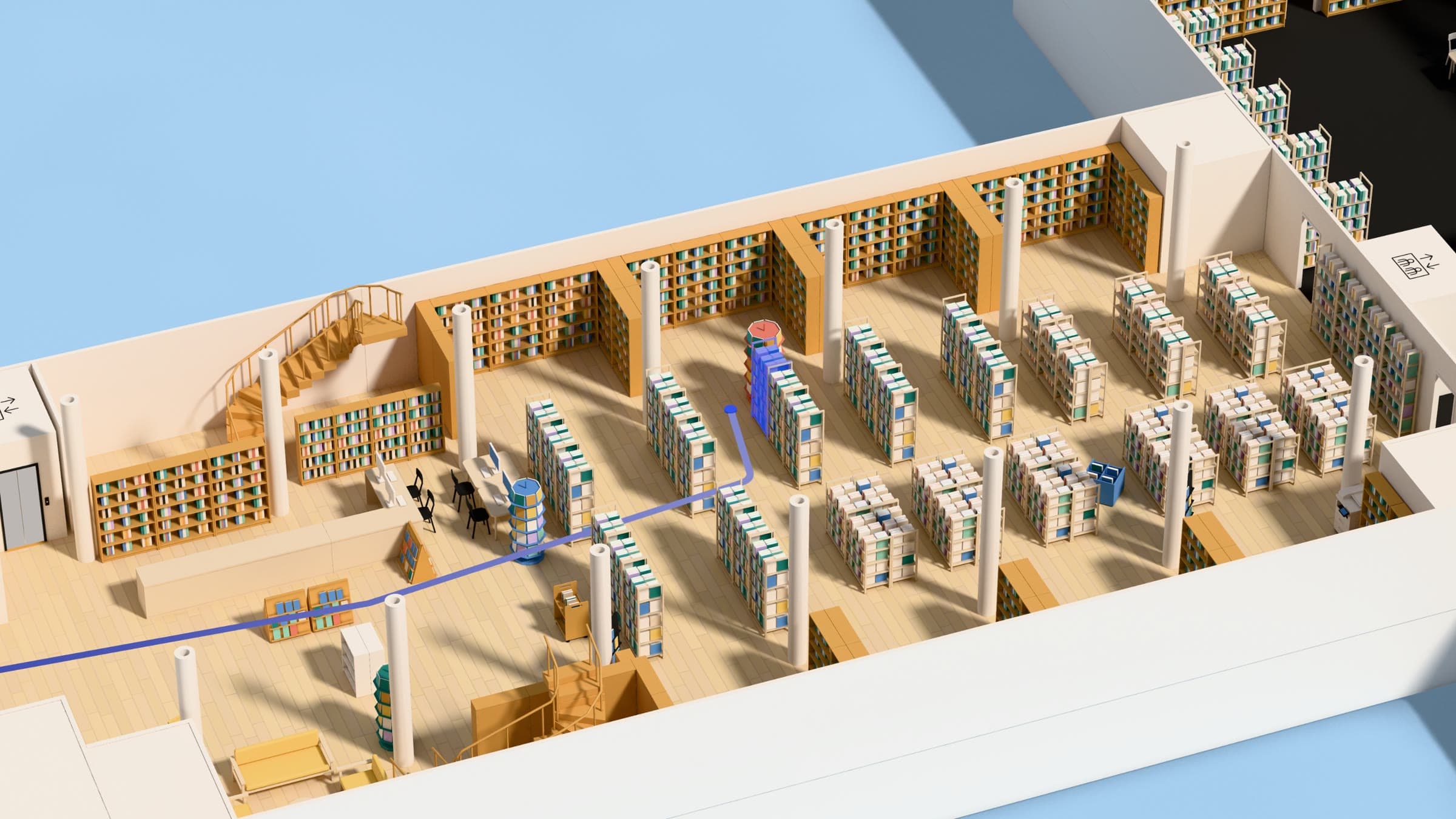
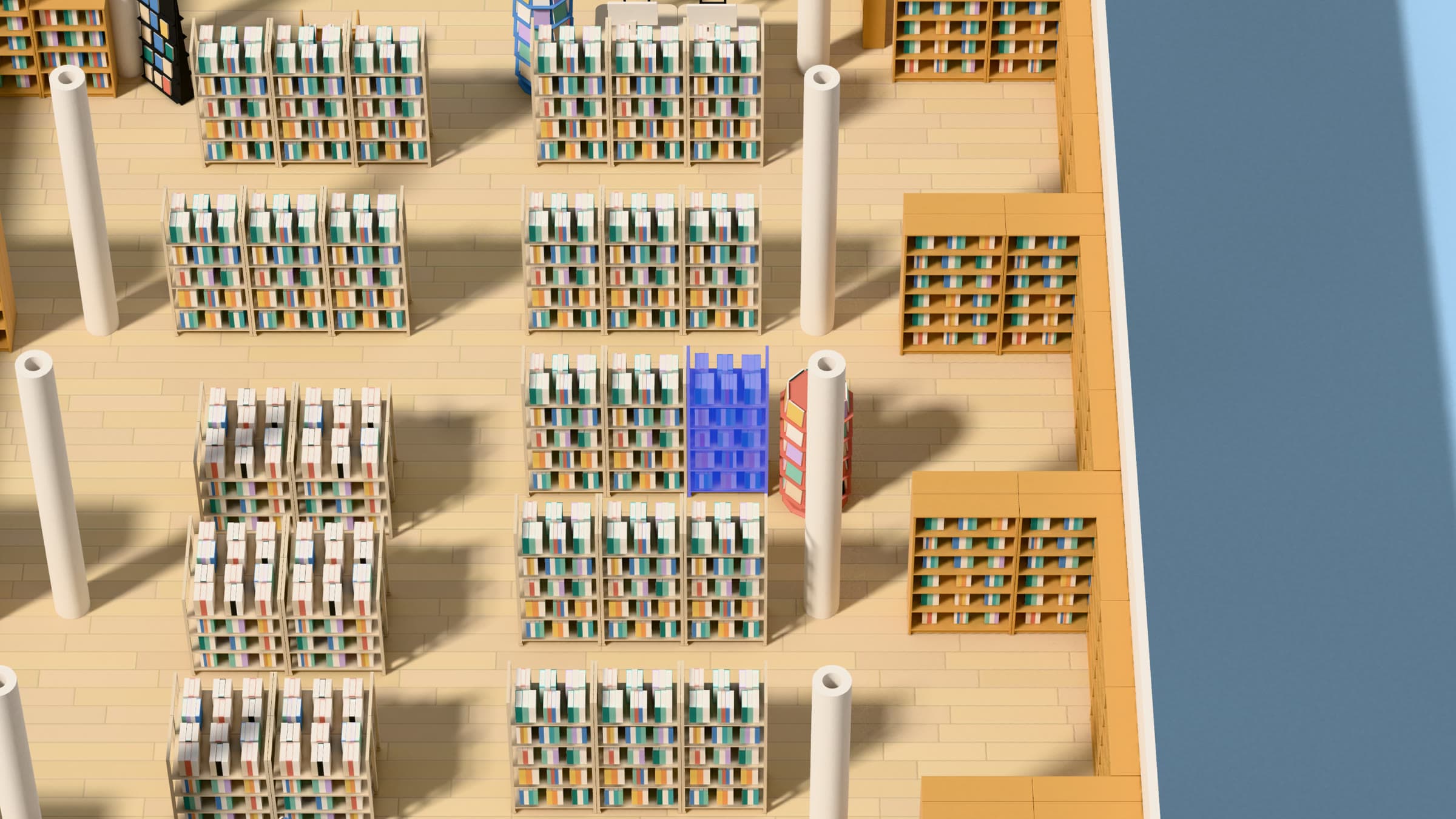
Users look for a book, a room or a service, and see where it is, floor by floor, down to the shelf.
A book found in the catalogue becomes a location on the map: floor, area and shelf. Call number ranges connect your collections to their place in the building.
Illustrated example · demo data
01 · Locate
A book found in the catalogue becomes a location on the map: floor, area and shelf. Call number ranges connect your collections to their place in the building.
02 · Navigate
From a starting point selected on the map, visitors can see the route to a shelf, room or service, including between floors.
03 · Explore
On the Loupe site or embedded in your existing website, the map works on desktop and mobile. Linking catalogue results to locations is configured for your integration.
Illustrated example · demo data
Your team uses the editor to adjust shelving, furniture and locations as the library changes.
Loupe Map complements your ILS. Location data and call number ranges need to be linked to shelves. Together, we review the available data and the connection required.
The same map on your website, on mobile, and on a touch kiosk at the entrance or floor signage.
Find a book on a sensitive topic on your own, without having to ask at the desk.
Loupe Map is a quoted module. Modelling, catalogue integration and support depend on your building and data. Scope, schedule and maintenance terms are set out in the proposal.
PricingLoupe Free is free, with no commitment and no time limit.